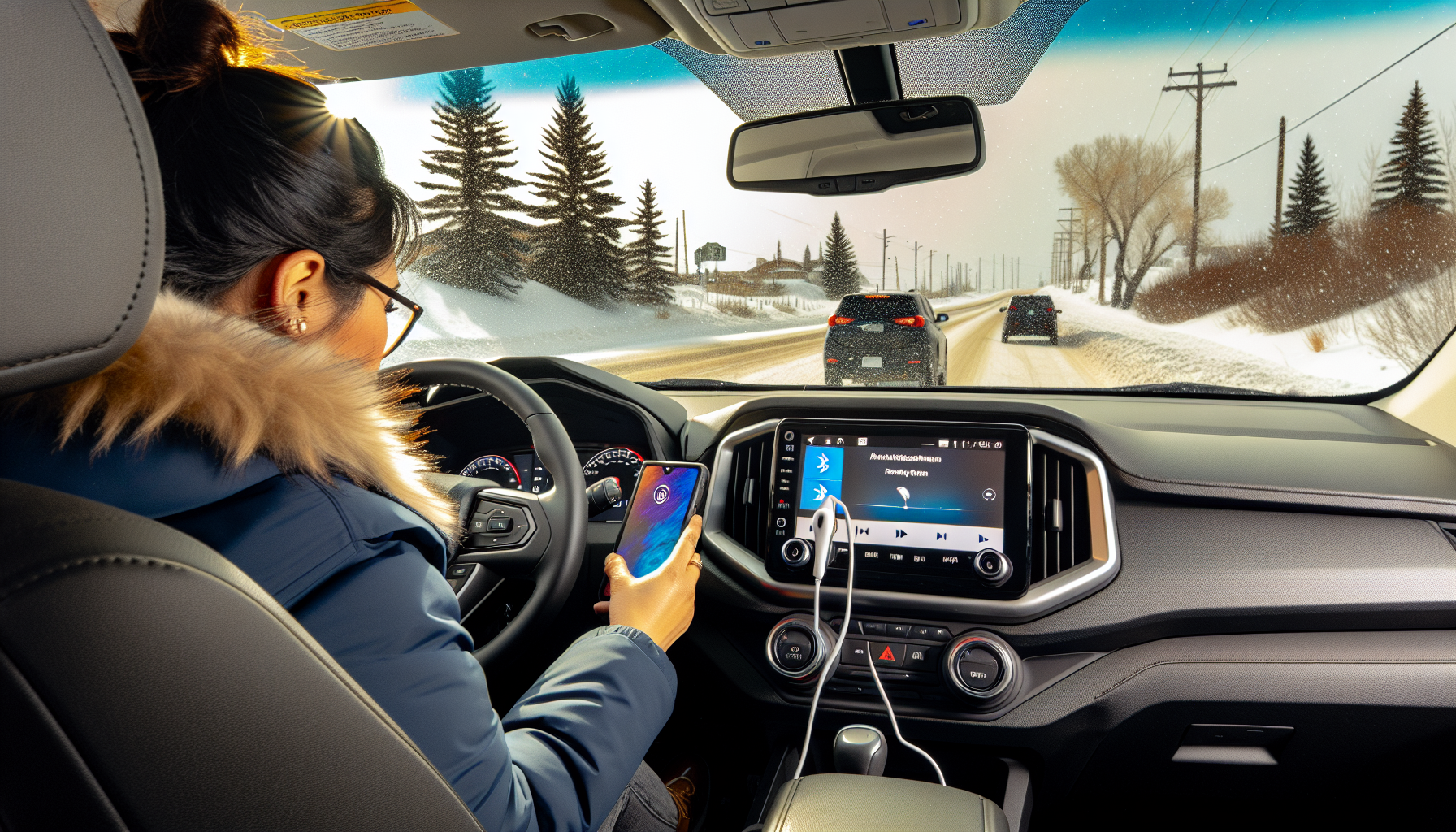
Connected, Not Distracted: Bluetooth, CarPlay & Android Auto
Is your phone helping you drive—or quietly sabotaging you?
You’re inching along a snowy highway, defroster blasting, and your glove keeps muting your music when you nudge the screen. Meanwhile, a notification pings, your eyes flick down, and—whoa—brake lights ahead. In Alberta, where winter lasts longer and distances run farther, staying connected safely isn’t optional. It’s part of smart driving.
Bluetooth, Apple CarPlay, and Android Auto are designed to keep you in touch without pulling your attention off the road. But choosing the right setup, configuring it properly, and knowing what’s legal here at home makes all the difference. Here’s how to get it right in Alberta.
Alberta’s rules: what’s legal and what’s not
Alberta’s distracted driving law prohibits using hand-held devices while driving. That includes texting, emailing, browsing, manually entering navigation, or scrolling playlists. The penalty is a fine and demerit points. Hands‑free use—activated with steering‑wheel buttons or voice commands—is allowed, but the moment you take your eyes and mind off the road, you’re still responsible.
- Set destinations before you roll. If you need to change your route, pull over safely or use voice commands.
- Use mounted controls, not your phone in hand. Keep mounts out of airbag paths and out of your line of sight.
- Silence interruptions. Use Do Not Disturb While Driving or Focus modes to block non‑urgent pings.
Bottom line: Bluetooth calls and audio are fine; tapping your phone at 60 km/h on a slushy range road is not.
Bluetooth vs. CarPlay vs. Android Auto—what fits your drive?
Bluetooth
- Best for: Any vehicle with a basic infotainment system.
- Pros: Simple calls and audio streaming; usually built into older used cars.
- Limitations: No app integration on the dashboard. You’ll still grab the phone to change nav or apps—tempting and risky.
Apple CarPlay and Android Auto (wired or wireless)
- Best for: Drivers who use maps, messaging via voice, and playlists daily.
- Pros: Your steering‑wheel buttons and car screen control phone apps (navigation, calls, music, podcasts). Voice assistants read messages aloud and let you reply hands‑free.
- Limitations: Wireless connections can drop in extreme cold or in signal‑noisy environments. Wired is more reliable but depends on a good cable and port.
Tip: If you drive long rural stretches across Alberta, CarPlay/Android Auto with offline maps and voice prompts beats raw Bluetooth every time.
Cold‑climate smarts: make tech winter‑ready
- Keep it wired when it’s frigid: Cold weather can reduce wireless reliability and battery performance. A quality USB cable stabilizes power and data.
- Use short, high‑quality cables: Choose MFi‑certified (Apple) or reputable USB‑IF brands. Shorter runs mean fewer dropouts.
- Warm the phone, not the battery: Store your phone in an inner pocket or a warmer spot until the cabin heats up. Avoid blasting a heater directly at it.
- Download offline maps: Save routes in Google Maps or Apple Maps for coverage gaps between communities and in foothill or prairie dead zones.
- Cache music/podcasts: Alberta’s remote stretches can outlast your signal. Download playlists in advance to reduce fiddling.
- Voice over touch: Capacitive screens and gloves don’t mix. Rely on “Hey Siri” or “Hey Google,” or use the steering‑wheel voice button.
- Keep the screen clean: Grime and road salt haze increase glare. A quick microfiber wipe improves visibility at dawn and dusk.
Set it up like a pro (step‑by‑step)
- Update first: Make sure your phone OS and your vehicle’s infotainment firmware are current. Updates often fix Bluetooth stack bugs and CarPlay/Android Auto quirks.
- Pair cleanly: Delete old or duplicate connections on both devices. Then re‑pair with a clear name like “F‑150 Main” or “Family SUV.”
- Grant permissions: Allow contacts and messages if you want voice readouts. If you don’t, disable messaging for fewer distractions.
- Customize the app grid: Hide non‑driving apps. Put Maps, Phone, Music/Spotify, Podcasts/Audiobooks, and a weather app front and centre.
- Enable Do Not Disturb While Driving: Auto‑reply to texts so friends know you’ll respond later.
- Test voice commands parked: Practice “Call Mom,” “Navigate to home,” “Play road trip playlist,” and “Read my last message.”
- Lock the phone and leave it: Place it in a cradle or the console and forget it. Your steering‑wheel controls carry the load.
Buying with connectivity in mind (new or used)
Shopping Alberta’s mix of trucks, SUVs, and compact runabouts? Much of the decision comes down to how seamless you want your phone to be on the dash:
- Model years: Many vehicles added CarPlay/Android Auto around 2016–2018; wireless versions became common from 2019–2021 onward. If you’re comparing new and used options, double‑check exact trims.
- USB matters: A single low‑power USB‑A port can cause flaky connections. Dual USBs or USB‑C power delivery is better.
- Steering‑wheel buttons: Ensure there’s a dedicated voice button; it’s your hands‑free lifeline.
- Sound system: For podcast lovers, a quieter cabin and decent center speaker help voice clarity, especially with winter tires humming on chip‑seal.
- Wireless charging: Nice to have, but in deep cold it can be slower. Keep a cable handy.
Test‑drive checklist
- Plug in and run Maps for 15 minutes; watch for freezes or reboots.
- Place a call and send a dictated text to confirm mic clarity.
- Switch between navigation and audio; test steering‑wheel controls.
- Check screen readability in low sun and during dusk glare.
- Verify the car remembers your profile and auto‑connects at restart.
If the vehicle you love is missing the tech, don’t panic. Aftermarket head units from brands like Pioneer, Kenwood, and Alpine can add CarPlay/Android Auto to a wide range of older trucks and cars. Budget roughly $300–$1,000 for the unit and $150–$400 for installation parts like vehicle‑specific dash kits, wire harnesses, CAN‑bus adapters, and steering‑wheel control modules.
Shopping and financing options in Alberta
If your old ride’s Bluetooth is driving you up the wall, upgrading doesn’t have to be complicated. At Driving With Us Auto Market, we list both new and used vehicles and run an open car marketplace where private sellers can post their rides. That means more choice—everything from base models with simple Bluetooth to premium trims with wireless CarPlay and Android Auto.
Looking to keep payments predictable? You can get pre-approved online before you shop and take your budget along for the test drive. If credit is a concern, Alberta buyers can explore bad credit car loans or even $0 down car loans when it makes sense. New to credit or buying your first vehicle? Our first time car buyer programs can help you understand terms, rates, and how tech features affect pricing. We also finance private sale transactions, which is handy if you find the perfect tech‑equipped truck from a private seller.
Whether you’re browsing a car marketplace in Alberta or weighing options across multiple sellers, this approach keeps “vehicle financing Canada” simple and transparent.
Safe‑use habits that actually stick
- Pre‑load the route: Decide on your destination before shifting into Drive.
- One‑touch rule: If a task needs more than a quick voice command or single steering‑wheel press, it can wait.
- Mute group chats: Use a custom Focus mode for commuting so only priority contacts break through.
- Keep the home screen lean: Fewer icons = less temptation. Hide video or social apps entirely.
- Audio balance: Turn down bass during navigation—voice prompts stay clearer over winter road noise.
- Night mode & dimming: Reduce brightness after sunset to curb eye strain in snowy glare.
Troubleshooting common Alberta issues
Connections drop in the cold
- Switch to wired temporarily; use a fresh, short cable.
- Warm the cabin first; extreme cold can make ports and connectors finicky.
- Update head unit firmware; many brands patch cold‑weather bugs.
Audio lag or poor call quality
- Disable battery saver on your phone during trips; it can throttle Bluetooth performance.
- Turn off unused Bluetooth devices (work headset, smartwatch) to reduce interference.
- Move the phone away from thick cases with metal plates (magnetic mounts can dampen Wi‑Fi/Bluetooth antennas).
Maps freeze or stutter
- Clear cache, update apps, and try a different cable/USB port.
- Download offline maps for your travel area before you leave cell coverage.
- Check phone storage; low space can cause app hiccups.
Privacy and data: don’t leave your life in the dash
Your vehicle’s head unit may store call logs, texts (for readouts), navigation history, and even garage codes. Before trading in or selling your car privately in Alberta, wipe it clean:
- Delete paired devices: Remove your phone from the car’s Bluetooth list and remove the car from your phone.
- Factory reset the head unit: Check the Settings menu for a reset option; confirm it clears nav history and personal profiles.
- Unlink connected accounts: Sign out of Spotify, Podcasts, and any OEM telematics apps.
- Pull garage remotes & SD cards: Don’t leave accessories behind.
These are essential private seller tips for anyone listing private seller cars Alberta wide. If you’re selling your car on an open car marketplace, tidy data is as important as a clean detail job.
Mounting and legal placement
Mounts help—but only if placed safely. Alberta law doesn’t list exact mount locations, but obstructing your view is never smart.
- Keep it low and to the side: Lower dash or a vent mount is better than high on the windshield.
- Out of airbag paths: Avoid A‑pillars and steering wheel deployment zones.
- Stable beats fancy: A simple, non‑wobbly mount is safer than a tall, bouncy one.
Aftermarket upgrades: what to know
For older vehicles, an aftermarket CarPlay/Android Auto head unit can be the biggest quality‑of‑life upgrade you make—especially for winter commuting and long Alberta road trips.
- Compatibility: Confirm double‑DIN/single‑DIN fit, steering‑wheel control modules, and backup‑camera adapters for your exact year/make/model.
- Microphone placement: Mount near the gauge hood, away from heater vents and open windows to reduce wind noise.
- USB routing: Run the cable to a closed cubby to protect ports from dust, sand, and road salt.
- Professional install: A clean harness and CAN‑bus integration prevents warning lights and keeps factory features (like door chimes) working.
Maintenance for infotainment you can rely on
Connectivity is part of car maintenance. Treat it like winter tires or oil changes:
- Quarterly firmware checks: Update head unit software and map databases.
- Cable refresh: Replace frayed or bargain cables; they cause most mystery glitches.
- Port care: Use a soft brush to clear dust from USB ports. Grit causes loose fits.
- Screen care: Non‑ammonia cleaner and microfiber cloth only; harsh sprays damage anti‑glare coatings.
Making it work for your budget
Connectivity doesn’t have to blow your payment plan. When comparing trims on a car marketplace in Alberta, balance must‑have tech with total cost of ownership. Sometimes a lower‑trim model plus a quality aftermarket head unit is cheaper than jumping to a high‑trim package with features you won’t use. If you want to lock costs before you shop, you can get pre-approved for a clear monthly target. If your credit history is thin or recovering, consider options like bad credit car loans and explore whether $0 down car loans fit your financial plan. New drivers can lean on first time car buyer programs to understand rates, terms, and warranty add‑ons that may include infotainment coverage.
Quick answers to real Alberta questions
Will CarPlay/Android Auto use lots of data?
Navigation and streaming can add up on rural drives. Reduce data by downloading maps and playlists over Wi‑Fi before long trips.
Is wireless CarPlay/Android Auto worth it?
It’s convenient for short hops. In deep cold or for long drives, wired is more dependable and keeps your phone charged.
Which older used cars can add CarPlay?
Most vehicles with a standard audio slot can take an aftermarket unit. The keys are dash fitment, wiring adapters, and steering‑wheel control interfaces.
Can I dictate texts legally?
Using voice assistants via the vehicle interface is permitted, but avoid manual typing or scrolling while moving. Safety first—if in doubt, pull over.
The Alberta advantage: drive farther, fumble less
From icy mornings to long prairie stretches, Alberta driving rewards a setup that keeps your hands on the wheel and eyes up. Bluetooth handles the basics; CarPlay and Android Auto add voice‑driven maps and messaging that make winter commuting and highway runs easier—and safer.
When you’re ready to upgrade, explore a broad selection of new and used vehicles on Driving With Us Auto Market. Our open marketplace connects buyers and private sellers across the province, and we support financing for both dealership and private sale transactions so you can focus on the right vehicle, not roadblocks. With a few smart settings and the right gear, you’ll be connected without being distracted—exactly how Alberta drivers need it.